Budgeting and expense tracking beyond the spreadsheet
Budget versus actual, without the version-of-the-file problem
Keep budgets, expenses and approvals in one shared database so everyone works from the same numbers and reports update themselves.
Built for: Finance and operations managers, department heads, nonprofits and small businesses that run budgets in Excel.
Sound familiar?
- Each department keeps its own budget file, and consolidation is a monthly copy-paste exercise.
- Actuals are pasted in late, so the report is always a month behind.
- Formulas break when someone inserts a row, and the totals are quietly wrong.
- Approvals happen by email, so there is no clear record of who agreed what.
- Everyone can see everyone's numbers, or nobody can see what they need.
- You cannot drill from a variance to the invoices that explain it.
How Integram handles it
Budgets, categories and expense records
Budget lines and expenses are linked to departments, projects and categories, so totals are summed from records.
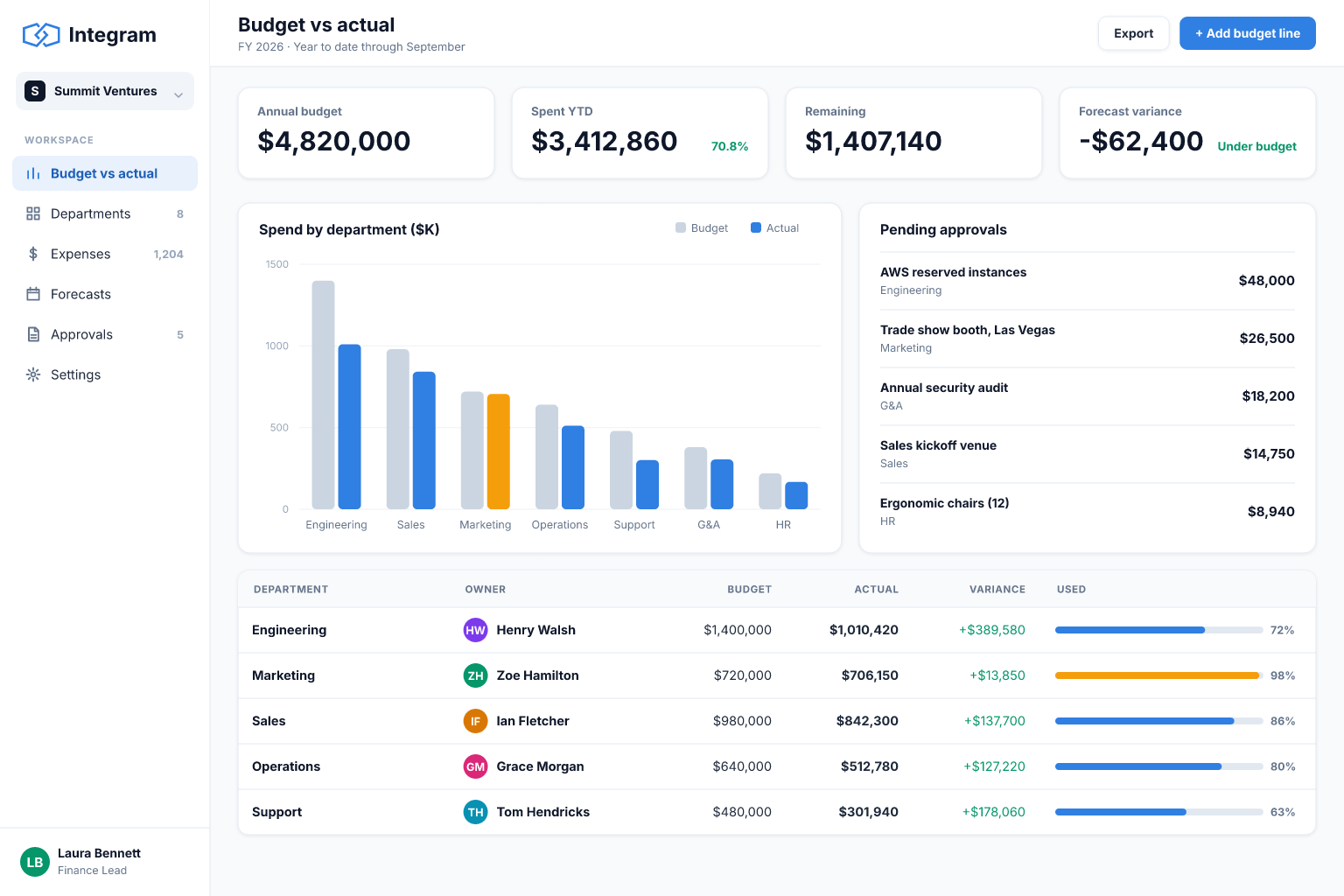
Budget versus actual reports
Live variance by department, category or project, with drill-down to the underlying expenses.
Approval status and owners
Expenses move through submitted, approved and paid, with each approval attributed to a person.
Access by department
Department heads see their own budgets, finance sees everything, and executives get read-only dashboards.
Expense submission form
Staff submit expenses with category, amount and a receipt attachment, validated before they enter the system.
Set it up
- 1Import last year's budget and expense sheets.
- 2Create Departments, Categories, Budget lines and Expenses tables with links.
- 3Add an expense form with receipt upload and an approval status.
- 4Build budget-versus-actual and overdue-approval reports.
- 5Set access by department and retire the consolidated spreadsheet.
With an AI agent
An AI agent connected through MCP or the REST API can read receipts and suggest a category and amount for a person to confirm, flag expenses that look duplicated, and write the month-end variance commentary from the live numbers. Give it read access to the budget tables and write access only to a drafts status, so finance stays in control of what is approved.
Connect an agent via MCPFrequently asked questions
Is it an accounting system?
No. It supports budgeting, expense tracking and reporting. It is not a replacement for a general ledger or tax compliance tools.
Can I handle multiple currencies?
You can store a currency per record and report in the units you choose. Automatic exchange-rate handling depends on how you configure it or integrate through the API.
Can I export to Excel?
Yes. Reports can be exported so finance can continue analysis in a spreadsheet.
Can approvers be limited to their own department?
Yes, roles and access rights control what each approver can see and change.
More use cases
Custom CRM without the per-seat bill
Turn your lead spreadsheet into a real CRM with contacts, companies, deals, tasks and reports, and let your whole team and your AI agents work in it.
Inventory tracking that survives a busy week
Move your stock sheet into an inventory app with items, locations and movement history, so counts stay right even when several people are working at once.
Order management for growing small businesses
Replace the orders spreadsheet with a system that links customers, products and order lines, shows each order's status and tells you what is late.
Your spreadsheet, working as an app, today
Start free with your own file. No credit card, no sales call. If you would rather have us build it, book a demo.