Excel to web app
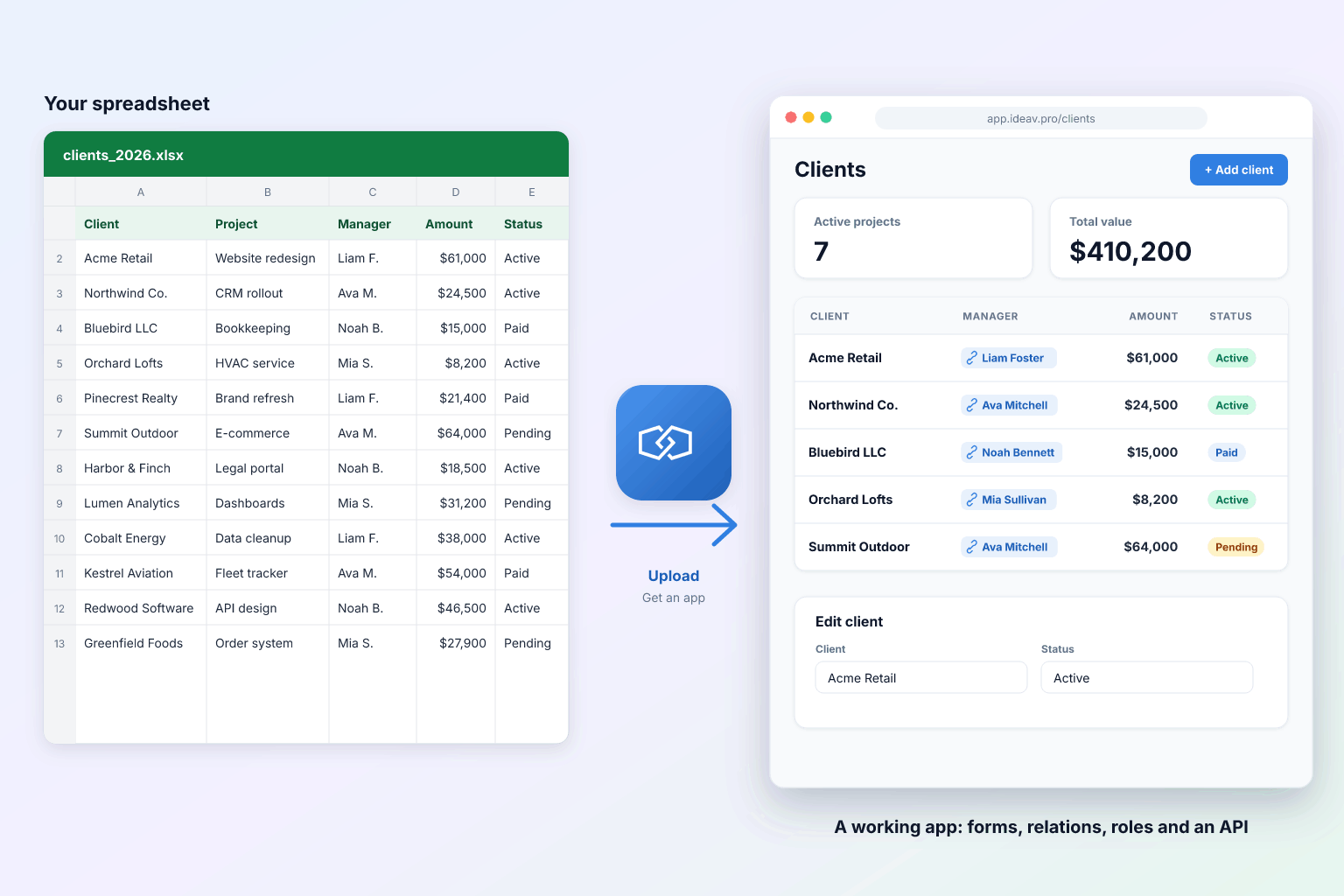
Upload a spreadsheet. Get a web app your whole team can use.
Integram turns an Excel workbook into a multi-user application with linked tables, forms, roles and live reports. Your data stays exactly as it is; the copies, the merging and the hand-built reports go away.
Works with .xlsx and CSV. Google Sheets: download as .xlsx first.
What the import does
It reads your workbook the way a database designer would
You review the result before anything is created, and you can change every decision.
Tables
Every sheet with a header row becomes a table. Header names become field names.
Data types
Dates, numbers, money, emails and yes/no columns are recognized, so filters and sorting behave.
Links
A column of customer names in Orders becomes a reference to the Customers table. Each customer now exists once.
Lookups
Columns with a handful of repeating values, like a status, can become small lookup tables, so nobody types “Shipped”, “shipped” and “Shiped”.
Before and after
Same data, different week
With the spreadsheet
With Integram
Copies of the file in inboxes and chats
One live database in the browser
Hidden columns and hoping for the best
Roles that decide tables, columns and rows
VLOOKUP chains that break when a row moves
Links between records that survive any edit
A day each month to build the report
Reports that are always current, emailed on schedule
“Who changed this?”
History and an audit log for every change
Get the best result
Five minutes of tidying saves an hour of fixing
The import copes with real-world files, but these habits make the detected structure right first time.
- 1One table per sheet, with a single header row at the top.
- 2No merged cells inside the data. Merged titles above the header are fine to delete.
- 3Use the same spelling for the same thing: the import links “Acme Ltd” to “Acme Ltd”, not to “ACME”.
- 4Keep totals and notes off the data rows; reports will calculate the totals for you.
Do it yourself
Sign up, upload the file, confirm the structure and invite your team. The free plan covers one user and 3,000 actions a month; Team is $29 a month flat for up to ten people.
Start freeLet us build it
Send the spreadsheet and tell us how the team works. In two weeks you get a working app on your real data, with roles, forms and reports, and full admin rights to change it later. Pilots start at $1,200.
Book a demoFrequently asked questions
Which files can I upload?
Excel workbooks (.xlsx) and CSV files. Each sheet with a header row becomes a table. Google Sheets work too: download as .xlsx and upload.
Will my formulas come across?
Values come across. Calculations you want to keep live are set up as calculated fields or reports in Integram, so they work across linked tables instead of cell ranges.
How are links between sheets detected?
When a column in one sheet holds values that identify rows of another sheet, such as customer names in an Orders sheet, Integram proposes a link. You confirm or change each one before the import.
Can I keep updating the spreadsheet for a while?
Yes. Imports can be repeated, including on a schedule, so a team can switch over gradually. You can also export any table back to Excel at any time.
Is my data safe?
Data travels over HTTPS and is visible only to the users and roles you allow. If it must not leave your network, run Integram self-hosted.
Bring the spreadsheet. Leave with an app.
Start free with your own file. No credit card, no sales call. If you would rather have us build it, book a demo.